Photoshop Course in Thanjavur (Online & Offline)

About Course

This Photoshop Course is designed to introduce students to the world of graphic design, photo editing, and digital art creation using Adobe Photoshop. Widely used in design, advertising, photography, and multimedia industries, Photoshop is an essential tool for anyone looking to work in creative fields. The course is available in both online and offline modes with trainer support, and duration options include Short term – 1 month / Long term – 3 to 6 months. A free course certificate will be awarded upon successful completion.
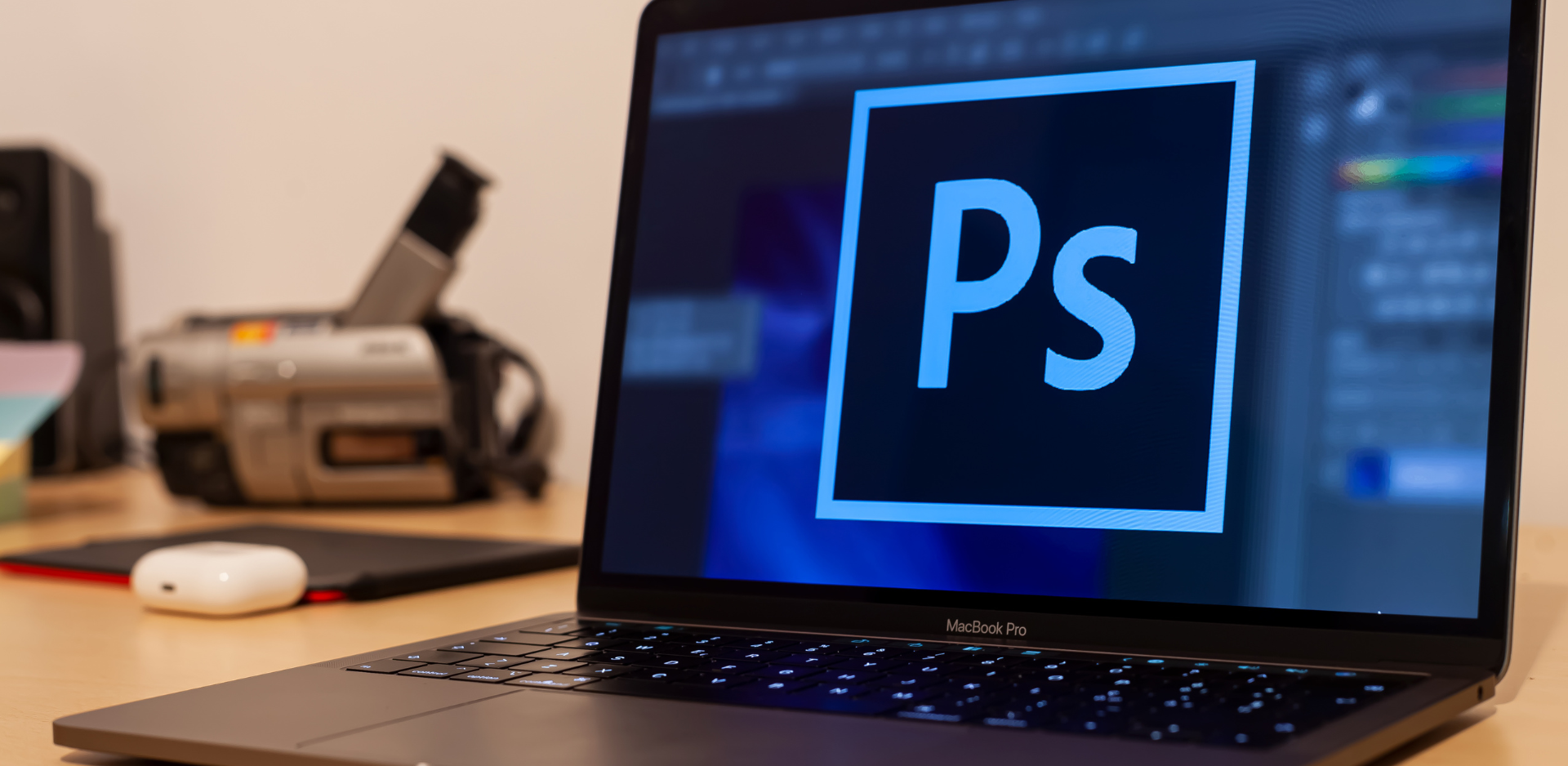
photoshop

 Course Duration Options

  • Short-Term Training (1 Month): Covers Photoshop basics including workspace, tools, and photo editing essentials. Includes a mini design project.
  • Long-Term Training (3–6 Months): Covers advanced features like filters, effects, digital painting, and graphic design projects. Ends with a major creative project.

    Offline

    No.9 Selvam Nagar, M.C.Road, Thanjavur – 613007

    Online

    Zoom/Google Meet Sessions (Link after registration)

    Government Approved Certifications

    At Prasartech Projects & Solutions, we provide centrally approved vocational training certifications along with academic project training. Students completing these programs will receive a valid government certificate that enhances their employability and academic recognition.

    • BSSVE.IN Government approved vocational certificate (Bharat Sevak Samaj)
    • Promoted by Government of India (National Development Agency ) 
    • Reg No: TN/20029 (Authorised Training Centre)
    • Examination + Marksheet + Certificate
Show More

What Will You Learn?

  • Photoshop interface and essential tools
  • Working with layers, masks, and blending modes
  • Photo correction, retouching, and enhancements
  • Color correction, gradients, and adjustments
  • Typography and text effects
  • Filters, effects, and smart objects
  • Digital painting basics
  • Designing posters, banners, and web layouts
  • Exporting images for print and web use
  • Mini and major projects (academic & professional portfolio)

Course Content

Introduction to Photoshop

  • Understanding Photoshop interface
  • Setting up workspace and preferences
  • File formats (PSD, JPEG, PNG, TIFF)
  • Basic selection tools and cropping

Layers & Image Editing

Creative Tools & Typography

Advanced Photoshop Techniques

Projects & Portfolio Design